
3,494 Views
You must be logged in as the server’s root user in order to enable cPanel email relaying using Sendinblue. Also
1. Login on WHM Panel.
2. Now go to Home > Service Configuration > Exim Configuration Manager. And click on Advanced Editor.
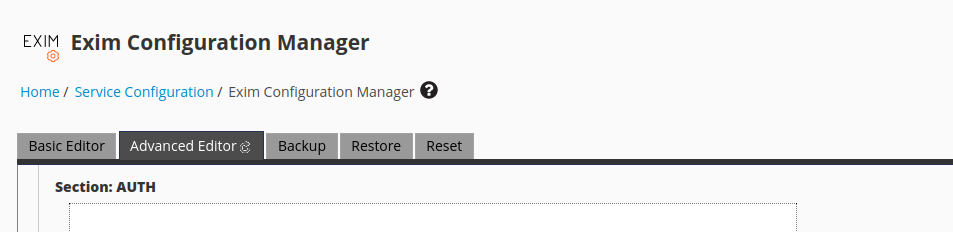
3. Enter the below code in the Section: AUTH Box.

Note: Use the username and apikey provided by Sendinblue when you verified your domain on Sendinblue.
4. Add a below code of route in the Section: ROUTERSTART Box.

5. Add a transport to the Section: TRANSPORTSTART Configue Box:

6. Click on Save. Exim will restart automatically and the changes will take effect as soon as they are saved.