Understanding Virtualization in Cloud Computing: A Guide
Virtualization, basically, refers to the representation of cloud computing servers, especially in a virtual form. Simplifying the concept, there exists virtual software that mirrors physical hardware resources, rationalizing the execution of cloud-based processes. The imitation of OS, network assets, and dedicated server resources in a virtual environment proves extremely advantageous for a lot of businesses.
Get to know about the types of virtualization that exist in cloud computing, and what advantages virtualization offers under cloud computing. This detailed guide focuses on covering all your queries and provides a complete understanding of virtualization in cloud computing.
Virtualization as a Concept of Cloud Computing
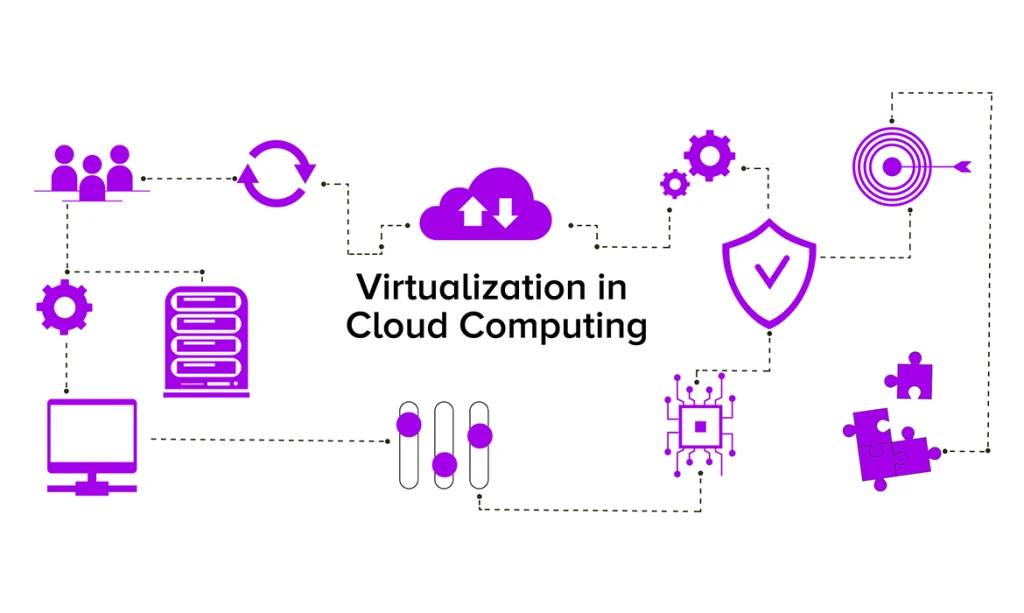
Virtualization, as a concept of cloud computing, transforms all IT infrastructure by developing virtual instances of different computing assets such as servers, storage, and many more. In this model, expert software simulates physical hardware, allowing many virtual instances to run on a single machine. This abstraction of hardware improves scalability and operational efficiency in cloud environments.
Virtualization’s advantages lie in its capacity to get all underlying hardware, promoting improved resource usage and quick app deployment. Multiple virtualization types cater to some dedicated aspects: operating system virtualization isolates user spaces, hardware virtualization utilizes hypervisors for multiple VMs on a single server, server virtualization improves all server resources, and storage virtualization centralizes storage systems.
The excitement related to virtualization-powered cloud hosting grows from its changing impact on resource management, providing businesses greater flexibility and high responsiveness in quickly deploying different apps in the cloud. Understanding virtualization is as important as organizations increasingly use cloud computing as modern web hosting solutions for their apps.
Features of Virtualization
- Compatibility and Portability: Virtualization promotes compatibility by decoupling applications from the underlying hardware. Virtual machines can run on different platforms, enhancing portability and facilitating seamless migration between environments.
- Isolation: Virtualization offers a means to isolate different virtual instances from each other. This isolation makes sure that the performance or problems in one virtual environment do not impact all others, enhancing system reliability and security.
- Dynamic Allocation: Virtualization enables dynamic allocation of resources based on increasing demands. This is beneficial in using resources effectively and efficiently without any wastage.
- Resource Pooling: Virtualization enables the pooling of physical resources such as storage, computing resources, and networking resources. The pooled resources can be used effectively to satisfy all the requirements of applications and activities.
- Abstraction: Virtualization helps create an abstract level above the hardware level. There will be a difference created between the virtual resources and physical resources.
- Migration and Mobility: Virtualization enables the seamless migration of virtual machines across different physical servers or data centers. This mobility feature supports load balancing, resource optimization, and enhances system resilience. When used with GPU servers with virtualization support, it also enables advanced tasks like training AI models and processing data to be effectively distributed and adjusted across different settings.
- Centralized Management: Some specific features of centralized management can be applied with the help of virtualization software to enable the management process. The benefits of centralized management can make the entire process smooth and more effective due to better system governance.
How Cloud Virtualization Works?
Cloud virtualization works through the implementation of hypervisor on the physical server, which acts as the basis of the cloud infrastructure. Hypervisor, also referred to as Virtual Machine Monitors (VMMs), provides the means for implementing virtual machines through the abstraction of the physical machine. In most cases, users duplicate the whole process by setting up various resource requirements including memory, CPUs, and storage, enabling proper distribution of the available resources.
Resource abstraction is the most crucial aspect of cloud virtualization because it makes it possible to run several virtual instances independently of each other on a physical machine. It facilitates isolation, thus ensuring that the actions of one VM will not affect others.
In addition to the computational capabilities of the computers already available, advanced technology can also be used to develop an advanced virtual network system and storage systems.
The combined resources of the various server systems can be made totally flexible through dynamic resource allocation. Through load balancing, the performance can be improved even further, while at the same time rationalizing various provisioning and management efforts. Combined with an enterprise Linux hosting solutions, there can be better stability and compatibility with business applications.
Ultimately, virtualization is the basis of cloud computing, giving organizations the necessary flexibility and efficiency.
How is server virtualization different from containerization?
Server virtualization and containerization have been identified as two different techniques used for the deployment of applications. The process of server virtualization entails the use of virtualization of applications, which is very similar to the concept of constructing a road for use. This involves packaging the entire operating system and applications within a virtual machine. On the other hand, containerization has proved to be much more flexible than virtualization. It involves packaging all app codes in the form of a container.
Not only does server virtualization virtualize the OS but also containerization separates all applications through the process, which provides for productivity and quick deployments. In other words, server virtualization is dedicated to building roads whereas containerization is geared toward building versatile helicopters. All methods serve particular purposes regarding application deployment in the ever-changing world of IT, particularly when there is support from GPU servers in the enterprise environment for computation-demanding applications like AI and ML.
Key Cloud Security Advantages with Virtualization
-
Data Security
Enfold the security of data virtualization in the case of cloud computing, removing all the risks of data loss or any harmful activity. The data is securely kept within the virtual system, improving overall data security.
-
Scalability
Experience a dynamic sharing system where all users can collaborate without exchanging physical assets. Data becomes easily available across different systems, fostering smooth collaboration.
-
Security Against Attacks
Through methodical isolation of applications and virtual machines, the risk of multiple attacks in case of exposure is significantly reduced. This well-planned approach improves the overall safety posture.
-
Improved Access Control
Improve security with the help of advanced access control for all system and network admins, improving both security and system productivity. Cloud computing, along with virtualization, provides an unbeatable security framework, pairing scalability, data security, resilience against ongoing attacks, budget-friendliness, and refined access control.
Conclusion
All those businesses that are opting to strengthen their cloud security can use virtualization. To set up a top-notch security stance, it is very important to apply multi-layered security and adhere to system guidelines. It is quite imperative that businesses create a well-planned strategy and have a complete understanding of the security-related problems that truly exist within the virtual environment and its different components. In addition to managed WordPress hosting solutions, virtualization can boost the security of businesses by providing improved environments, regular updates, and 24/7 monitoring. Businesses must give priority to virtualization instead of treating it as an afterthought to fortify cloud security.